Answer what travellers ask before they book: where to meet, what to bring, what happens if it rains. Each question is either general or about one tour.
- General questions show on your Contact page, under “Questions, answered”. In the Atlas theme they’re on your home page too.
- Questions about a tour show on that tour’s page.
On Pro and Custom you can add your general questions to any theme’s home page with Show questions in Home page sections.
Add a question
- In your dashboard, click Site content.
- Click FAQs.
- Click Add a question.
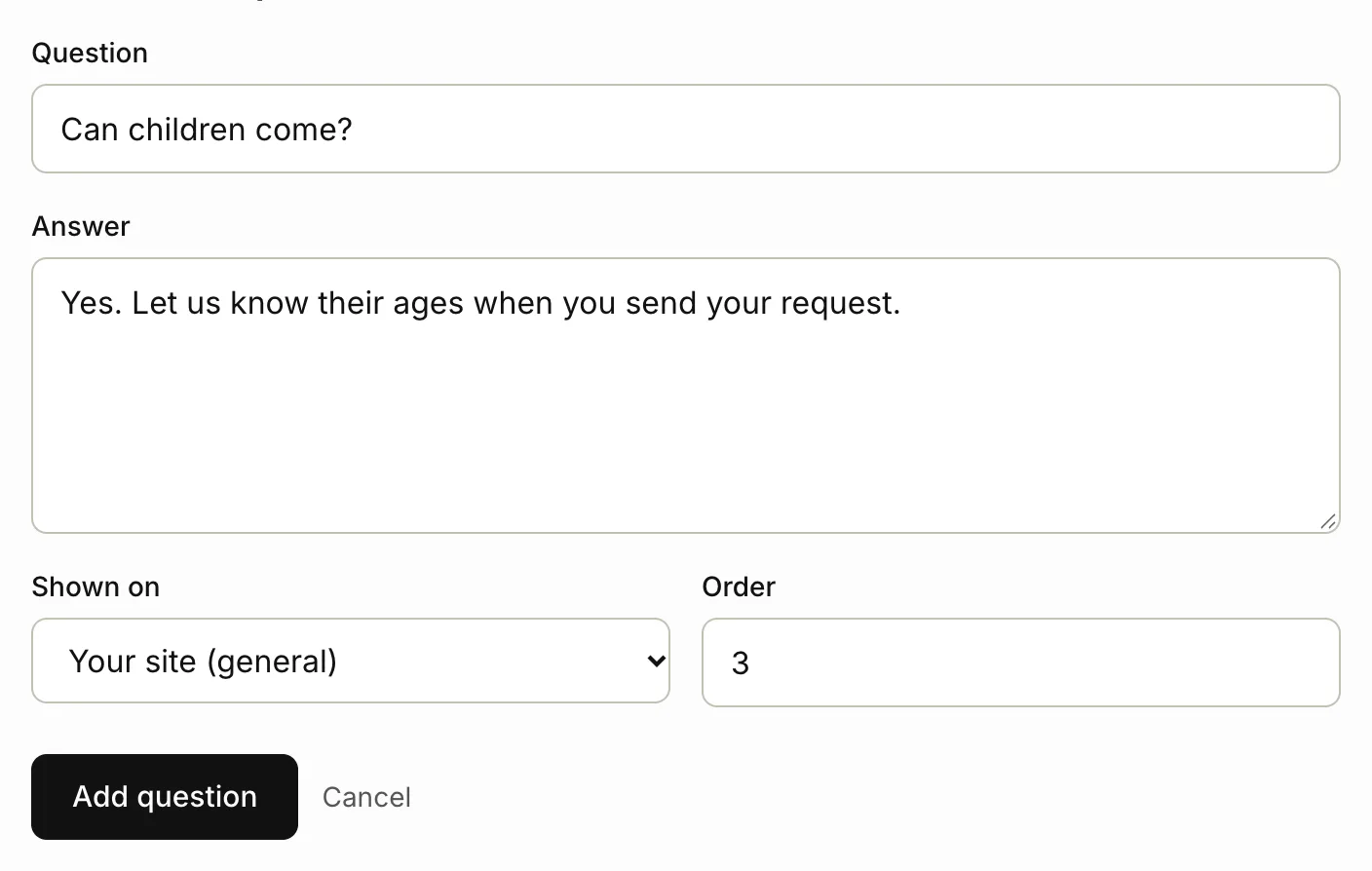
- Type the Question and its Answer.
- In Shown on, leave Your site (general), or choose the tour it’s about.
- Order sets its place in the list. Lower numbers come first.
- Click Add question.
A tour’s questions also count towards its score. Until it has enough, the tour’s Improve this tour panel shows an Add a question link, with the tour already chosen.
Change or delete a question
On FAQs, your questions are grouped: General first, then one group for each tour.
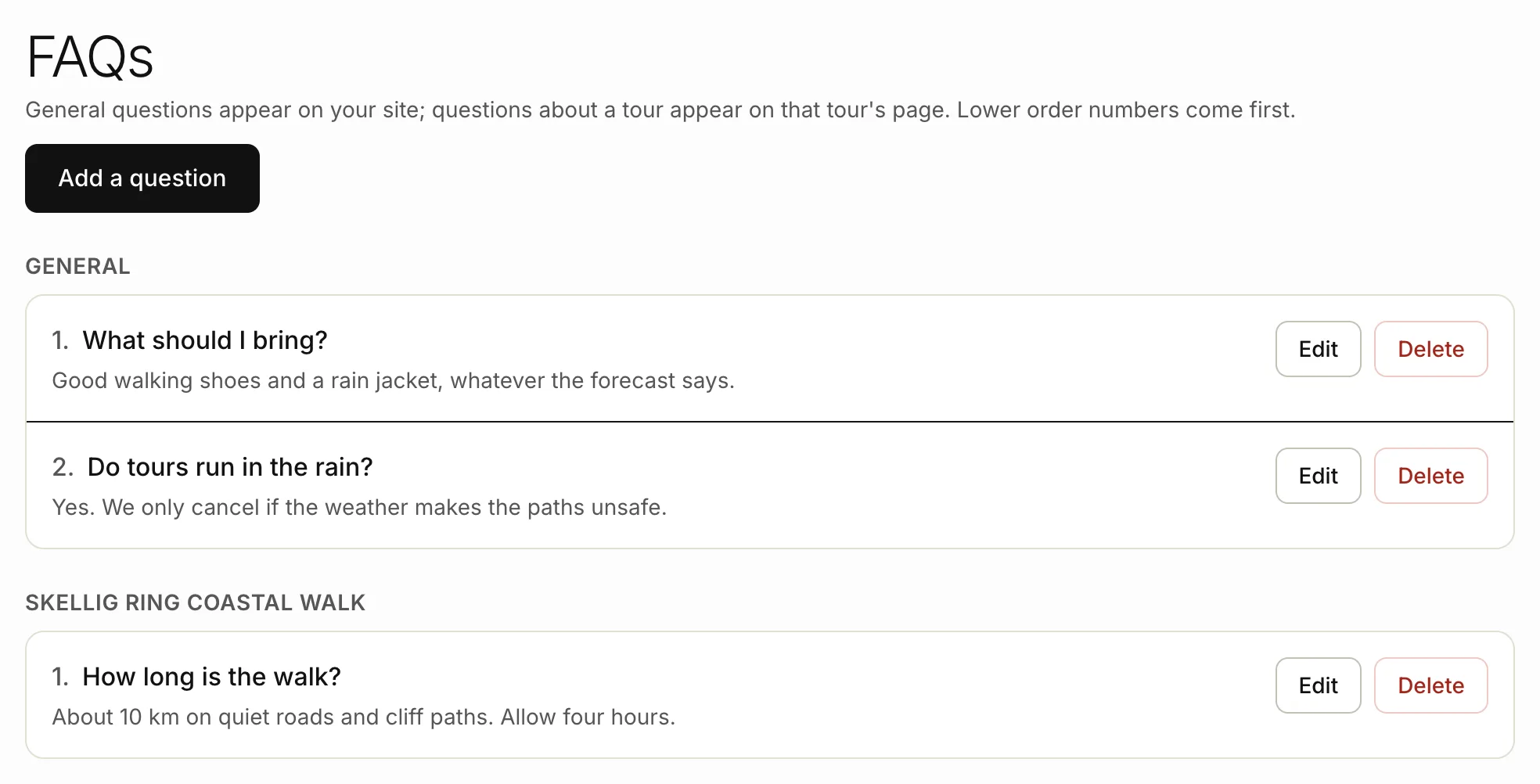
- To change one, click Edit next to it, make your changes and click Save question. You can move it to another tour in Shown on.
- To delete one, click Delete, then confirm.
Suggested questions from AI
When you use Write with AI on a tour, it also suggests a few questions travellers might ask, answered from your notes. They show under Suggested questions in the tour form.
- Check each Question and Answer, and change anything that isn’t right.
- Click Remove under any you don’t want.
- Save the tour.
The questions are added to that tour’s FAQs, and you can change them later under FAQs. See Writing with AI.
Related articles
Still stuck? Contact us
Tell us what you're trying to do and where it went wrong. We reply by email within a working day.
Contact us